
Download AD HelpDesk – Secure Active Directory Management for iPad
Overview – Why AD HelpDesk Is a Must‑Have Tool for AD Administrators
AD HelpDesk brings the power of Active Directory (AD) administration to the palm of your hand. Designed specifically for iPad, this professional‑grade app lets IT specialists diagnose, troubleshoot, and resolve user‑account issues without being tethered to a desktop workstation. The application establishes a secure, encrypted tunnel to your domain controller, guaranteeing that credentials, group‑policy changes, and account modifications travel safely across the network.
Because it targets seasoned administrators rather than novices, AD HelpDesk strips away unnecessary fluff and focuses on the core tasks that matter: resetting passwords, unlocking accounts, managing group memberships, and viewing detailed user attributes. In today’s fast‑paced IT environments, being able to respond to a user’s request from anywhere in the office—or even from home—can dramatically reduce ticket resolution times and improve overall service satisfaction. AD HelpDesk also integrates seamlessly with existing AD infrastructure, supporting multiple domains, trusts, and forest configurations.
Whether you’re managing a small office of 50 users or a multinational enterprise with tens of thousands of accounts, the app scales to meet the demand while keeping the UI clean and intuitive. By leveraging the iPad’s touch interface, administrators can quickly swipe through user lists, tap to edit properties, and receive real‑time feedback on the success of each operation. In short, AD HelpDesk is the secure, mobile‑first companion every Active Directory professional needs to stay productive on the go.
Key Features – What Sets AD HelpDesk Apart
- Encrypted Connection: All communication between the iPad and the domain controller is protected by industry‑standard TLS 1.2 encryption, ensuring data privacy.
- Full User Account Management: Create, modify, disable, enable, and delete AD accounts directly from the device.
- Password Reset & Unlock: Instantly reset passwords or unlock accounts with a single tap, reducing help‑desk ticket volume.
- Group Membership Editing: Add or remove users from security and distribution groups without navigating complex AD consoles.
- Multi‑Domain Support: Manage several domains and trusts from one unified interface, perfect for enterprises with complex forest topologies.
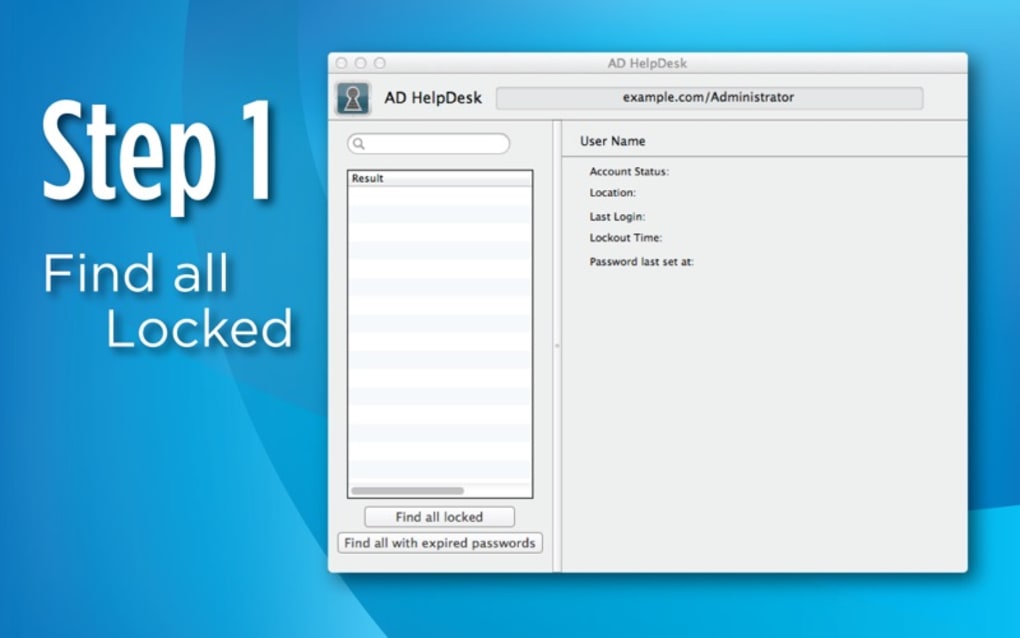
- Search & Filter Capabilities: Powerful search filters let you locate users by name, OU, email, or custom attributes in seconds.
- Audit Trail Integration: Every action is logged and can be exported for compliance reporting.
- Offline Mode (Read‑Only): View cached user information even when the network is temporarily unavailable.
- Customizable UI Themes: Choose light or dark mode to match your iPad preferences and reduce eye strain.
- Regular Updates & Support: The developer releases frequent security patches and feature enhancements based on user feedback.
Installation, Usage & Pros‑Cons – Getting Started and What to Expect
Step‑by‑Step Installation
Downloading AD HelpDesk is straightforward. Open the Apple App Store on your iPad, search for “AD HelpDesk,” and tap the Get button. The app is a paid download, priced at $49.99 USD, which includes a one‑year license and free updates during that period.
After installation, launch the app and you’ll be greeted by a login screen. Enter the fully qualified domain name (FQDN) of your domain controller, along with a service account that has the necessary permissions (typically a read‑write account dedicated to mobile administration). The app will then negotiate a TLS handshake and verify the certificate; if your environment uses a self‑signed certificate, you can import it through the iPad’s Settings > General > Profiles.
Once authenticated, the main dashboard appears, showing a summary of user counts, recent changes, and any pending alerts.
Daily Usage Workflow
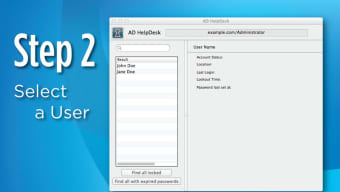
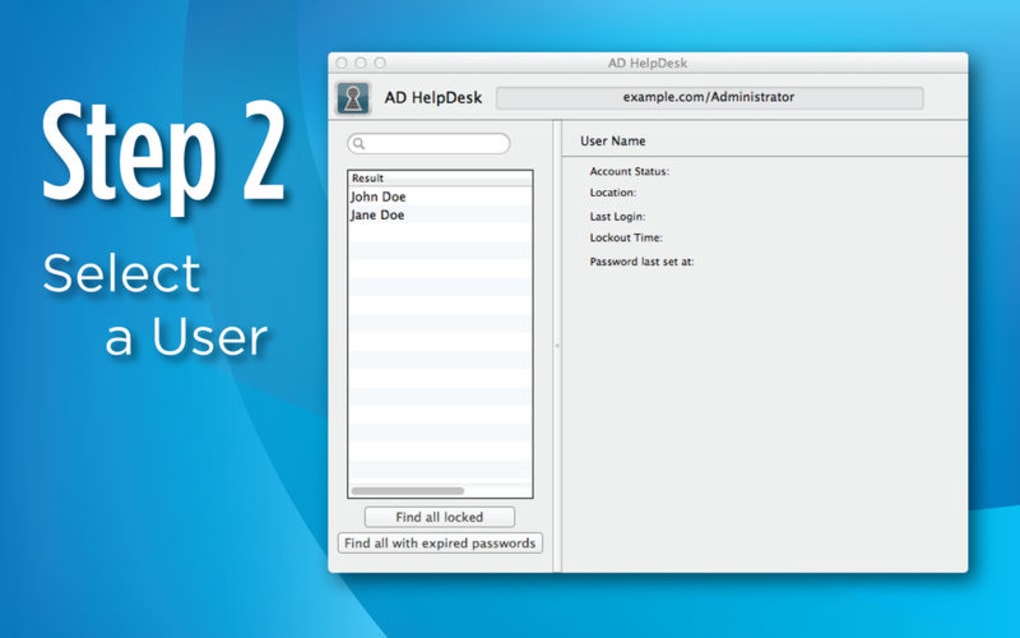
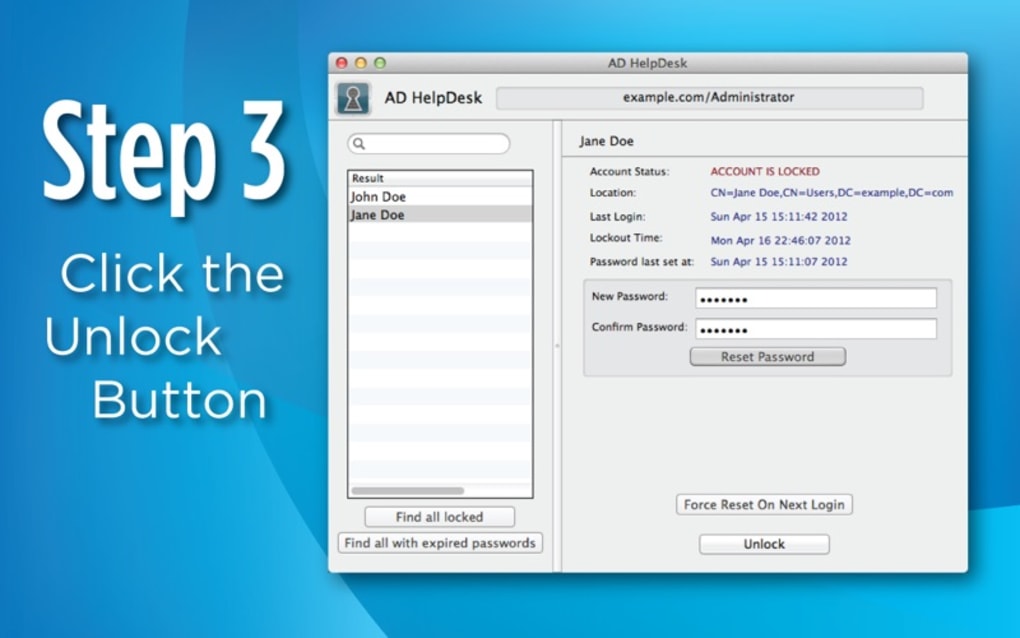
Most administrators start by using the built‑in search bar to locate a user who has called in with a login issue. After selecting the user, a detail pane slides in, displaying attributes such as email, OU, group memberships, and password expiration date. From here you can tap Reset Password, type a new complex password (or generate one automatically), and press Apply.
The app immediately pushes the change to the domain controller and displays a green success indicator. If the user’s account is locked, the Unlock Account button works the same way. For group management, the UI offers a dual‑list selector where you can drag groups in or out, and the changes are committed with a single tap.
All actions are recorded in an audit log that can be exported as CSV for compliance purposes.
Pros & Cons
- Pros
- Secure, encrypted communication eliminates data‑leak concerns.
- Fully functional AD management without needing a laptop.
- Intuitive touch‑optimized UI speeds up routine tasks.
- Supports multiple domains and trusts, ideal for large enterprises.
- Audit logging helps meet regulatory requirements.
- Regular updates keep security posture current.
- Cons
- Requires a dedicated service account with elevated privileges.
- Only available on iPad (iOS); no Android or Windows tablet version yet.
- Initial setup may be intimidating for administrators unfamiliar with mobile PKI.
- One‑time purchase price may be a barrier for small IT teams.
FAQ & Conclusion – Your Final Questions Answered
Frequently Asked Questions
Is AD HelpDesk compatible with the latest iPadOS versions?
Yes. The developer releases updates to ensure full compatibility with each major iPadOS release, typically within a few weeks of Apple’s public launch.
Can I manage more than one domain from a single app instance?
Absolutely. AD HelpDesk supports multi‑domain environments. You can add multiple domain controllers in the Settings menu and switch between them without logging out.
What encryption standards does the app use?
All traffic is encrypted using TLS 1.2 or higher, with forward‑secrecy cipher suites. The app also validates the server’s X.509 certificate to prevent man‑in‑the‑middle attacks.
Is there a trial version available?
A 14‑day free trial is offered through the App Store. During the trial you have full access to all features, after which you’ll need to purchase a license to continue using the app.
How does the app handle audit logging for compliance?
Every administrative action is automatically recorded with a timestamp, user ID, and description of the change. Logs can be exported in CSV or JSON format for integration with SIEM tools.
Conclusion – Take Control of AD From Your iPad Today
AD HelpDesk bridges the gap between on‑the‑go mobility and the rigorous security demands of Active Directory management. By delivering a fully encrypted, feature‑rich experience on the iPad, it empowers seasoned IT professionals to resolve user‑account issues faster, reduce help‑desk tickets, and stay productive regardless of location. While the upfront cost and the need for a privileged service account may require some planning, the return on investment quickly becomes evident through streamlined workflows and improved response times. If you’re ready to modernize your AD administration and give your team a secure, portable tool that works seamlessly with existing infrastructure, click the download button below and start your free trial today.







